


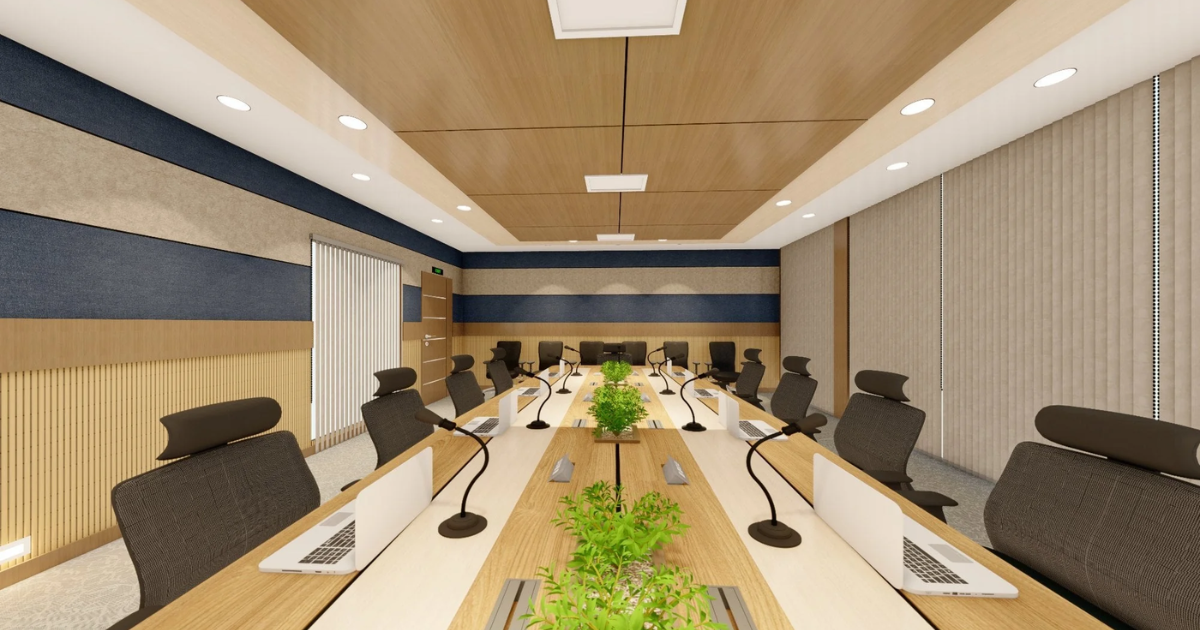
You have probably been on a call where someone kept repeating themselves because nobody could hear them clearly. Or worse, you have been the one straining to understand a remote colleague through a wall of echo and static. It is exhausting, and it happens far too often in conference rooms that were never properly set up for audio.
The good news is that improving your situation does not always require a complete overhaul. Knowing how to improve meeting room audio quality comes down to understanding the specific problem in your room and addressing it with the right combination of equipment and acoustics. Let us go through what actually moves the needle.
Identify Your Biggest Audio Problem First
Before you buy anything, listen carefully during your next meeting. Are people complaining about the echo? That points to reflective surfaces and a lack of acoustic treatment. Is the issue that remote participants sound distant? That is typically a microphone placement or sensitivity problem. Is there background noise creeping into calls? That calls for noise suppression technology.
Matching the solution to the specific symptom is the most efficient way to improve meeting room audio quality without wasting money on equipment that does not address the root cause.
Upgrade Your Microphone Setup
The microphone is where most conference room audio problems begin. A single speakerphone at the end of a long table leaves people at the far end sounding distant and muffled.
Ceiling array microphones are the gold standard for medium to large rooms. They provide even coverage across the entire table without cluttering the surface. For smaller rooms, a high-quality tabletop beamforming microphone can deliver excellent pickup from every seat. The key is coverage: every person in the room should be within the microphone’s pickup zone.
Use Echo Cancellation And Noise Suppression
Digital signal processing tools like acoustic echo cancellation and noise suppression are non-negotiable for modern conference rooms. Without them, audio from your speakers gets picked up by your microphone and sent back to remote participants as a distracting echo.
These tools are often built into quality conference room audio processors. When configured correctly, they clean up the signal in real time so remote participants hear only the voices in the room, not the room itself. This is one of the most impactful steps for knowing how to improve meeting room audio quality in practice.
Tune Your Speakers To The Space
Speakers that sound great in a showroom may not perform the same way in your room. Room geometry, ceiling height, and wall materials all affect how sound travels and reflects.
Professional audio calibration, which involves adjusting frequency response and speaker delay to match the room’s acoustics, makes a significant difference. Many AV integrators offer this as part of the installation. If yours did not, it is worth asking about a tuning session.
Treat The Room Acoustically
Hard surfaces are your enemy. Glass walls, concrete floors, and drywall ceilings create the reflections that cause echo and muddiness. Acoustic panels, carpet, ceiling tiles, and soft furnishings absorb these reflections and bring clarity back to the space.
You do not need to turn your conference room into a recording studio. Even strategically placed panels on the walls flanking the display can significantly improve meeting room audio quality without altering the room’s professional appearance.
Standardize And Maintain The Equipment
One underrated factor is consistency. Rooms with mismatched equipment, where someone’s laptop is plugged in with a different audio driver every time, produce inconsistent results. Standardizing on a dedicated room system with fixed equipment removes user error from the equation.
The team at Projectus designs and deploys enterprise audio systems calibrated specifically to each room. If you are serious about knowing how to improve meeting room audio quality in your organization, talk to Projectus and get a professional assessment of your current setup.