


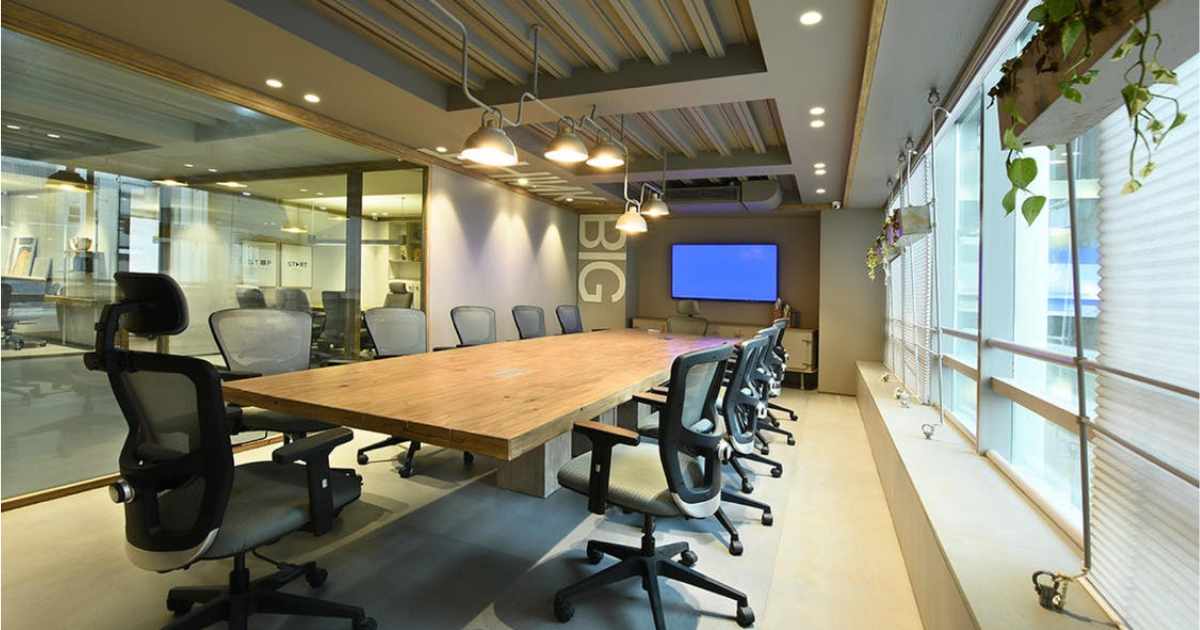
You have probably sat in a meeting room where the screen would not connect, the microphone picked up everyone but the person talking, or the remote control simply did not work. None of that happens by accident. It happens because nobody took the time to properly plan the system before it got installed. Learning how to plan an office AV system the right way is the difference between a room people love using and one they avoid.
The good news is that planning does not require you to become an audio engineer overnight. It requires asking the right questions in the right order and resisting the urge to buy equipment before you understand your space and your people. Let us break down exactly how you can plan an AV system for your office that will still be working well three years from now.
Define the Purpose of Each Room First
Every strong plan starts with purpose. A boardroom used for executive decisions has different needs than a training room or an open collaboration area. If you skip this step, you end up buying generic equipment that half-works everywhere instead of equipment that fully works where it matters.
Write down, room by room, who will use the space, how many people will typically be there, and what kind of meetings happen most. This single exercise shapes almost every decision that follows in how to plan an office AV system that fits your actual business, not a showroom demo.
Understand the Room Before You Choose Equipment
Room acoustics, lighting, and layout all affect performance more than most people expect. A room with hard floors and glass walls will need acoustic treatment, or your microphones will pick up echo instead of clean speech. A room with heavy natural light will need a brighter display or shading, or your screen will wash out during the day.
This is also the point to think about seating and sightlines. Everyone in the room should be able to see the display and be heard clearly by remote participants. If your layout forces people to twist around to see a screen, that is a planning failure, not an equipment failure.
Build Around Your Network, Not a Sales Catalog
A common mistake in planning an office AV system is starting with a product list instead of your network. Video conferencing is bandwidth-hungry, and it competes with everything else on your network for priority. Your plan needs to account for quality of service settings, dedicated bandwidth, and security, especially if your organization handles sensitive data.
This is where working with IT early pays off. Systems that are network-aware and documented from day one are far easier to support long-term than systems that were bolted on without anyone from IT in the room.
Choose Platforms and Controls That Match Real Users
Once your rooms and infrastructure are defined, you can select the collaboration platform, whether that is Microsoft Teams, Zoom, or something else your organization already relies on. Whatever you choose, the control layer should be simple. Employees should not need a manual to start a meeting. One touch to join, clear volume controls, and consistent layouts across rooms make adoption smooth.
This part of how to plan an office AV system is often underestimated. The most expensive camera in the world is worthless if nobody can figure out how to turn it on.
Plan for the System After It Is Installed
A plan is not finished at installation. Systems drift over time as firmware updates, employees change habits, and rooms get repurposed. Build in a support plan, a documented inventory of every component, and a clear point of contact when something breaks. This is the step people skip most often, and it is the one that determines whether your system is still reliable a year from now.
When you know how to plan an office AV system with support built in from the start, you stop treating AV as a one-time purchase and start treating it as infrastructure that needs to be maintained, just like your network or your building’s HVAC.
If you would rather skip the trial and error, the solutions architects at Projectus have spent over 30 years figuring out office AV system planning for businesses, schools, and public institutions across Oregon. They design for real users and build for IT, so your rooms work the day you move in and years after.