


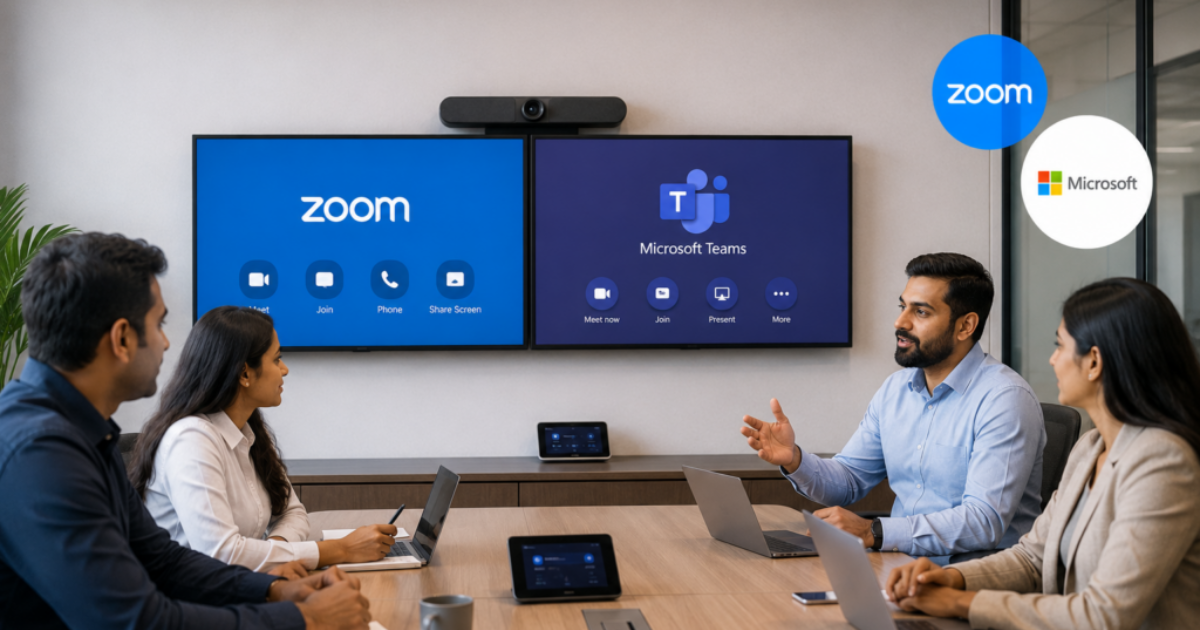
Choosing a conference room platform feels straightforward until you actually start comparing options side by side. Both are excellent, both are widely adopted, and both can make your meeting spaces feel genuinely modern. So how do you choose? The answer usually comes down to your existing tools, your users’ habits, and how your IT team wants to manage things.
This Zoom Rooms vs Microsoft Teams Rooms comparison breaks down what each platform actually offers, where they differ, and how to decide which one fits your organization. No fluff, just the information you need to make a confident decision.
Understanding What Each Platform Does
Both Zoom Rooms and Microsoft Teams Rooms are purpose-built room systems, not just apps you install on a laptop. They turn your conference room into a dedicated collaboration environment with a consistent experience every time.
Zoom Rooms runs on a variety of certified hardware partners and is deeply familiar to most users because of how widely Zoom spread during the remote work era. Microsoft Teams Rooms, often called MTR, is Microsoft’s answer to the same problem and integrates tightly into the Microsoft 365 ecosystem.
Interface And Ease Of Use
In the Zoom Rooms vs Microsoft Teams Rooms comparison, Zoom Rooms often wins on simplicity. The interface is clean, touch-friendly, and familiar even to users who have never used a room system before. Joining a meeting takes two taps.
Microsoft Teams Rooms has improved significantly in recent years, but its interface carries a bit more complexity. Users already embedded in Teams day to day tend to find it very intuitive, while those less familiar with Microsoft’s ecosystem may need a slightly steeper learning curve.
Integration With Your Existing Tools
This is often the deciding factor. If your organization runs on Microsoft 365, Exchange calendaring, and Teams for daily communication, Microsoft Teams Rooms is the natural extension. Scheduling a room, joining a meeting, and managing devices all happen within the same ecosystem your team already lives in.
If your company uses a mix of communication tools or regularly hosts external guests who default to Zoom, Zoom Rooms often provides less friction. It also integrates with Google Workspace calendaring, which is a meaningful advantage for organizations not running Microsoft’s stack.
Hardware And Certified Devices
Both platforms work with a range of certified hardware, but they differ in flexibility. Zoom Rooms supports a broader set of hardware manufacturers, which can give you more purchasing options at different price points.
Microsoft Teams Rooms hardware tends to be more curated and tightly validated. You get fewer options, but the compatibility is extremely reliable. For IT teams who prioritize predictability, that trade-off often makes sense.
Management and IT Support
For IT, both platforms offer centralized management consoles. Zoom provides the Zoom Device Management portal, while Microsoft offers the Teams Admin Center. Both let you monitor room health, push updates, and manage settings remotely.
In this part of the Zoom Rooms vs Microsoft Teams Rooms comparison, Microsoft has an edge if your IT team is already managing Microsoft 365 infrastructure, since the tooling lives in a familiar environment. Zoom’s portal is clean and purpose-built, which some teams actually prefer for its focus.
Making The Right Call For Your Organization
The honest answer is that either platform can deliver an excellent meeting experience when it is properly designed and installed. The platform is only one piece of the puzzle. The hardware, the room design, the audio calibration, and the ongoing support all matter just as much.