


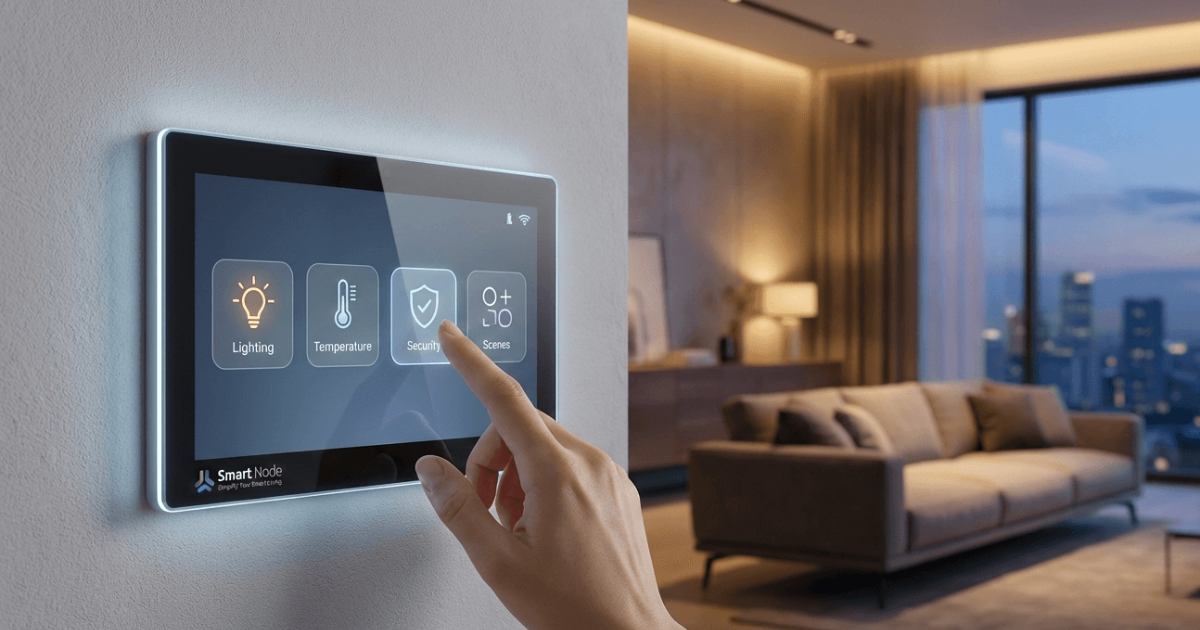
You’ve probably seen one. A sleek touchscreen mounted near a conference table, with buttons for things like “Start Meeting” or “Adjust Lights.” It looks simple enough to use, but there’s actually a lot happening behind that screen. Understanding how touch panel control systems work in offices can help you appreciate why some rooms feel effortless while others feel like a puzzle.
Whether you’re considering adding these to your meeting rooms or you’re just trying to figure out why your current ones are so frustrating, this breakdown will give you a clearer picture of what’s going on under the hood.
The Basic Idea
At a high level, touch panel control systems come down to one device acting as the remote control for everything else in the room. Instead of separately turning on the display, switching the video input, adjusting the volume, and dimming the lights, all of those actions get triggered from a single touchscreen interface.
What’s Happening Behind the Scenes
When someone taps a button on the panel, that command gets sent to a central control processor. This processor is the brain of the operation. It receives the instruction and then sends signals out to each connected device: the display, the camera, the audio system, the lighting, telling each one exactly what to do and in what order.
This is why a single tap can trigger multiple things at once. The processor isn’t just flipping one switch. It’s coordinating an entire AV system integration sequence behind the scenes so the user never has to think about the individual steps.
Why Some Panels Feel Easy, and Others Don’t
Here’s where things can go wrong. If a touch panel has too many buttons, confusing labels, or requires multiple steps to do something simple, people avoid using it. How touch panel control systems work in offices at a technical level matters less than how they’re designed for the people using them. A well-designed panel hides the complexity and only shows the user what they actually need. This is where smart meeting room automation really shines.
Common Features You’ll Find
Most modern touch panels include a one-touch meeting start button, volume controls, input switching for different devices, and sometimes room booking information right on the screen. Some are also tied into lighting and shade controls, letting a single panel manage the entire room environment.
Why Consistency Across Rooms Matters
If your office has multiple meeting spaces, it helps a lot when every touch panel works the same way. Someone who knows how to start a meeting in one room shouldn’t have to relearn the process in a different room down the hall. Consistency reduces confusion and cuts down on the number of times people need to call IT for help. Every modern conference room setup benefits from this approach.
Want a Control System That Actually Makes Sense?
Now that you know how touch panel control systems work in offices, the next step is making sure yours are designed around how your team actually works, not just what looks impressive on a spec sheet. Projectus designs and programs control systems for Oregon businesses that keep things simple for everyone who walks into the room. Reach out to learn more.