


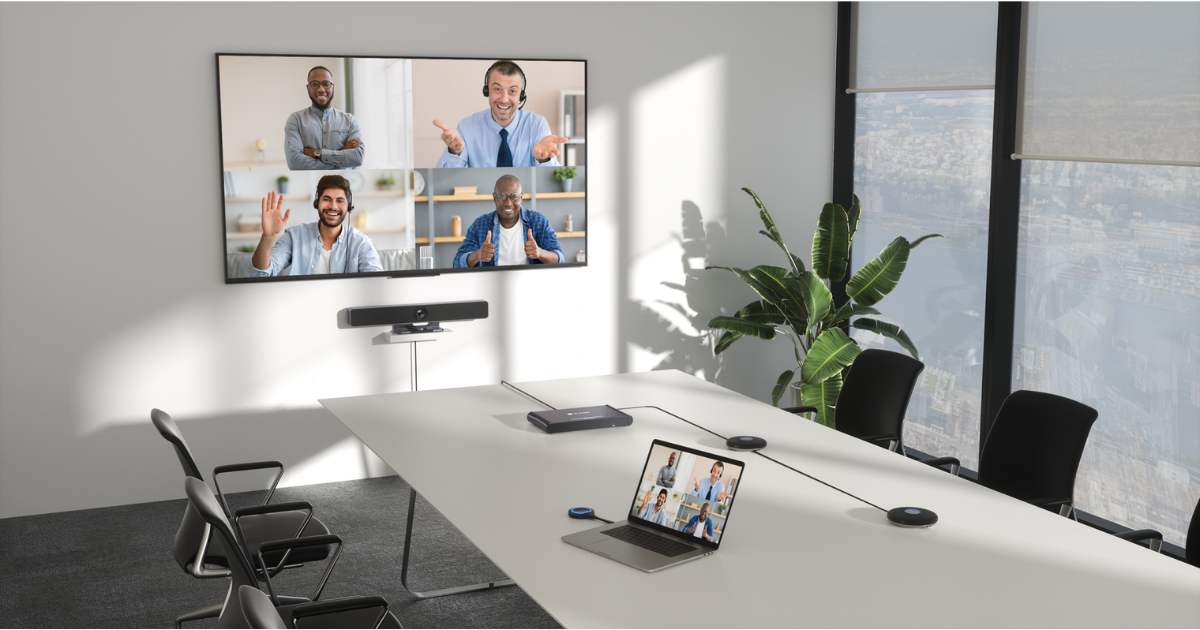
Picking video conferencing equipment for a conference room sounds like it should be a simple exercise. Camera, microphone, display, done. But anyone who has deployed a system that looked great on paper and performed poorly in practice knows that the equipment selection is only part of the challenge. The right equipment for one room may be entirely wrong for another.
This guide covers the best video conferencing equipment categories for conference rooms of different sizes, the factors that should drive your selection decisions, and the principles that separate systems that work reliably from ones that generate endless support calls.
Cameras: Match Coverage to the Room
Camera selection is determined first by room size and seating layout. For huddle rooms and small spaces with fewer than six participants, a wide-angle USB or network camera with a 120-degree field of view captures the full room in a single frame. For medium rooms, cameras with optical zoom and auto-framing capabilities allow the system to frame active speakers without fixed framing that leaves empty space.
For large conference rooms and boardrooms, PTZ cameras with speaker-tracking intelligence provide the most flexible coverage. These systems can follow conversation around the table, provide close-up framing for presentations, and maintain a whole-room view for group discussions. Some enterprise deployments use multiple cameras with an intelligent switching system that selects the best view based on audio activity.
Whatever the room size, prioritize cameras that appear on your platform’s certified hardware list for Teams, Zoom, or whichever UC platform your organization uses. Certification means the device has been validated for that platform and will behave predictably.
Microphones: Coverage Is the Metric That Matters
The best video conferencing equipment for audio is equipment that provides consistent coverage to every seat in the room. For small rooms, a quality tabletop microphone system or a conference phone unit with omnidirectional pickup often performs well. For larger rooms, the table-based approach reaches its limits and ceiling microphone arrays become the better solution.
Ceiling microphones place pickup elements directly above the seating area, providing even coverage regardless of where participants are seated and keeping the table clear for presentations and materials. Systems with beamforming technology electronically focus pickup toward active speakers and reduce background noise from other directions.
Displays: Size Is a Function of the Room
Display sizing should be driven by the viewing distance of the farthest seat in the room. A common calculation is to multiply the screen height by six to eight to determine the maximum comfortable viewing distance. That means a 65-inch display (approximately 32 inches tall) works for rooms up to about 16 feet deep. Larger rooms need larger displays, multiple displays, or a projector system designed for the space.
Display placement should put the screen at or near eye level for seated participants. Mounting too high creates neck strain and misaligns the camera angle relative to where participants appear to be looking on the far end.
Control Systems: Start With the User Experience
The best video conferencing equipment choice for control is the system that makes the room most accessible to the widest range of users. One-touch meeting start, consistent button placement, and a simplified interface reduce the support burden and increase room adoption rates. For multi-room organizations, standardizing on a single control platform means users can walk into any room and immediately know how it works.
Get the Right Equipment Specified and Deployed Correctly
Projectus specifies and deploys video conferencing equipment for conference rooms across Oregon based on actual room conditions, user requirements, and IT standards. If you want the best video conferencing equipment matched to your specific environment, talk with a Solutions Architect.
Explore our collaboration and UC platform solutions or visit our homepage to learn more about what we do. Ready to get started? Contact us today.