


Ask any IT manager what the most frequent category of support tickets looks like, and they will probably describe something involving a conference room. The display won’t switch inputs. The call won’t connect. The audio isn’t working. The remote participants can’t hear the room. These tickets are not evidence of a broken AV system. In most cases, they are evidence of an AV control system that wasn’t designed for the people who use it.
When AV control systems are designed correctly, IT stops being the conference room helpdesk. Here is how well-designed control systems change the relationship between your team and the technology environments they support.
Complexity Is the Root Cause
The vast majority of conference room support tickets trace back to the same root cause: the control interface requires users to know something about the AV system to operate it correctly. Mode selection. Source switching. Input assignments. These concepts are invisible when the system is working and suddenly visible when someone chooses the wrong one.
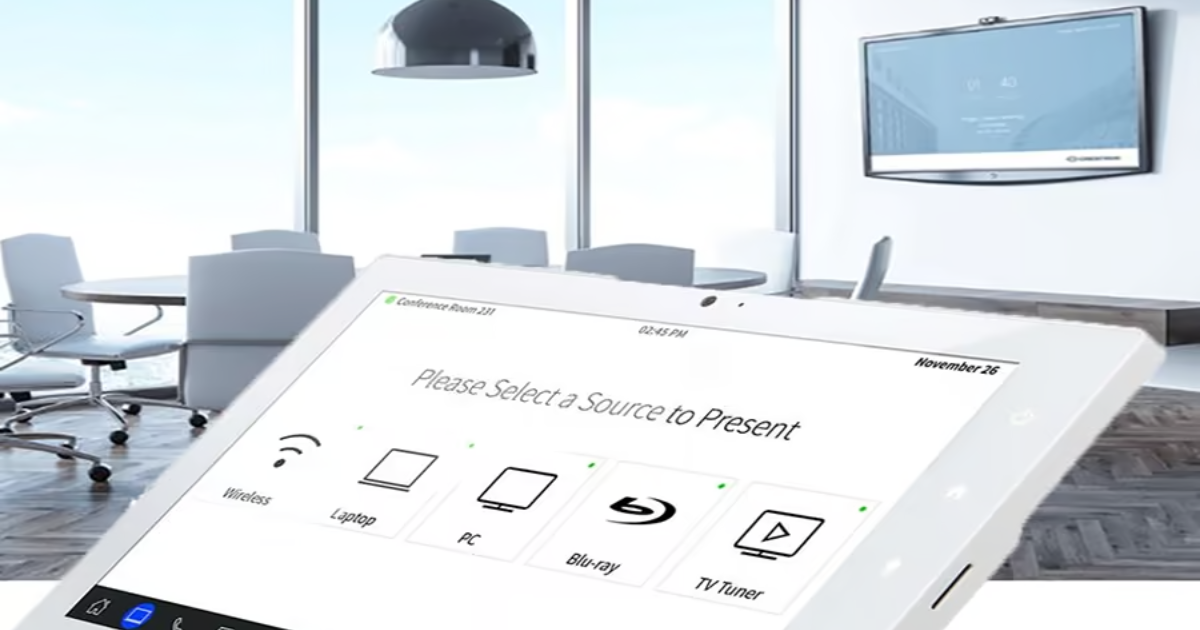
An AV control system designed to reduce IT support removes those choices from the user entirely. One-touch meeting start. Automatic source selection based on which platform the meeting is on. Automatic shutdown when the room is vacated. No modes. No source management. No user decisions that can go wrong.
Consistency Across Rooms Eliminates Learning Curves
Every time a user moves between conference rooms with different control interfaces, they face a new learning curve. That learning curve generates a support call every time it overcomes someone’s patience. Standardized AV control systems that deliver the same interface in every room eliminate this entirely. Users who walk into any room in your organization see the same touch panel with the same buttons doing the same things. Confidence replaces confusion.
Remote Management Reduces On-Site Response
Well-designed AV control systems expose device status, error conditions, and system health to remote management platforms. IT teams can check whether a room is functioning before someone calls to report a problem. They can power cycle devices remotely. They can push configuration changes without dispatching a technician. The ratio of problems solved remotely to problems requiring on-site visits improves dramatically when the control system is built with remote management in mind.
Automated Recovery Without IT Intervention
Programmed recovery behaviors in AV control systems resolve a surprising number of issues without any human involvement. A display that fails to power on after the first command can be retried automatically. A conferencing device that loses network connectivity can trigger a reboot sequence. A room that ends a meeting can automatically reset to a clean default state without anyone needing to prepare it for the next user.
Each of these automated behaviors is a ticket that doesn’t get submitted, an IT staff member whose time isn’t consumed, and a user who never has to call for help.
Documentation Makes Support Faster When It Is Needed
Even the best-designed AV control system will occasionally require IT intervention. When it does, complete system documentation cuts resolution time dramatically. Signal flow diagrams, device inventories, programming notes, and escalation contacts mean the technician who responds to the issue doesn’t start from zero. They start from a documented baseline and reach resolution faster.
Design the IT Support You Want
Projectus designs AV control systems across Portland specifically to reduce IT support burden through simplified interfaces, consistent room standards, remote management integration, and complete handoff documentation. Talk with a Solutions Architect about what a low-support AV environment looks like for your organization.